

Welcome to the onboarding/offboarding request page. Here you can request onboarding for new employee and request offboarding for employees that no longer works for Colorado Convention Center.
1) Please click on this link to go to your ServiceNow account. https://cccprod.service-now.com/ccc_ec
2) Click on “log in with SSO”
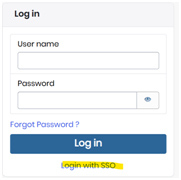
Log in using your CCC Network userid and password
a. Userid: FLast@denverconvention.com
b. Password: CCC Network password
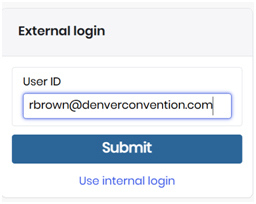
3) type in your email address and click “submit:
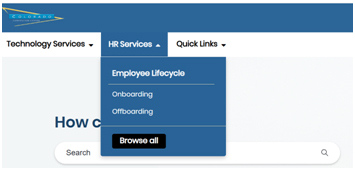
4) Click on the HR Services tab located on the top left side of the page. Select onboarding or offboarding request.
5) Please fill out the form and hit submit. You will receive an email when if there are any questions or/when the request has been completed.